Samsung’s eSIM rollout has been less consistent than Apple’s, with support varying by model, region, and sometimes even by which carrier the phone was originally sold through. Here’s a clear breakdown of which Galaxy phones support eSIM, so you don’t buy a USA eSIM plan your phone can’t use.
Why Samsung Compatibility Is Trickier Than It Looks
Unlike iPhone, where eSIM support is tied cleanly to model generation, Samsung has released some phones with eSIM support in certain markets but not others — often the same model number. A Galaxy S23 sold in the US may support eSIM, while the same model sold elsewhere may not, depending on the carrier variant. This makes checking your specific device essential, not optional.
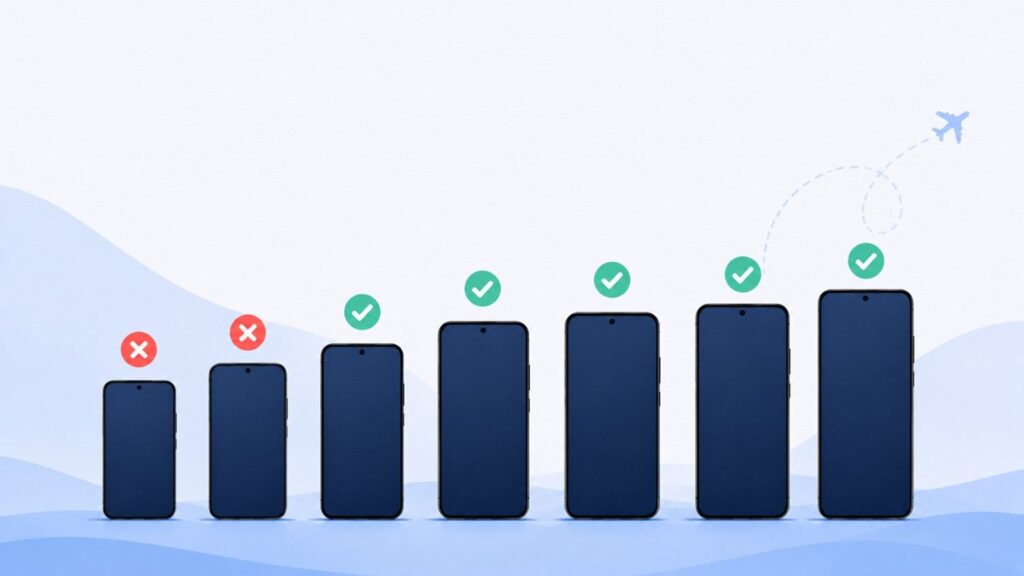
Samsung Galaxy Models That Typically Support eSIM
Based on currently available compatibility data, the following Galaxy lines generally support eSIM in most markets:
- Galaxy S series: Galaxy S20, S20+, S20 Ultra and later, through Galaxy S24, S24+, S24 Ultra
- Galaxy Z Fold series: Galaxy Z Fold, Z Fold 2 and later
- Galaxy Z Flip series: Galaxy Z Flip, Z Flip 5G and later
- Galaxy Note series: Galaxy Note 20 and Note 20 Ultra
- Select Galaxy A series: Newer models such as Galaxy A54 (eSIM version) and Galaxy A55 5G
Samsung Galaxy Models That Typically Don’t Support eSIM
Many older or budget-tier Galaxy models don’t include eSIM hardware, including most of the Galaxy A0x and A1x series, older Galaxy Note models (Note 9 and earlier), and Galaxy S10 and earlier flagship models.
Why “Typically” Matters Here
We use “typically” deliberately. Samsung’s carrier-specific variants mean the exact same model number can differ in hardware or software configuration depending on where and how it was purchased. A Galaxy A54 sold by one carrier may support eSIM, while an unlocked international version might not — or vice versa.
How to Check Your Exact Phone
Because of these inconsistencies, don’t rely on model name alone. Two reliable checks:
- Check directly on your device. Go to Settings → About Phone → Status Information and look for an “EID” number.
- Use a verified compatibility checker. Our device compatibility tool lets you confirm your exact model and carrier variant before you purchase a plan.
Carrier Locking Adds Another Layer
Even a Galaxy phone with eSIM hardware may refuse to activate a new eSIM profile if it’s locked to a specific carrier. This is a separate issue from hardware compatibility, and it’s one of the most common reasons Samsung eSIM activation fails. Confirm your phone is unlocked before purchasing.
Frequently Asked Questions
Do all Galaxy S24 models support eSIM?
Most do, but carrier-specific variants can differ. Always check your specific model and carrier before buying.
Can I use eSIM and a physical SIM at the same time on Galaxy?
Yes, on most eSIM-compatible Galaxy phones, you can run a physical SIM and an eSIM simultaneously in dual-SIM mode.
Why does my Galaxy show no EID number?
If your Status Information screen shows no EID, your specific device likely doesn’t have eSIM hardware, regardless of what the general model line supports elsewhere.